
Plans sized to your day
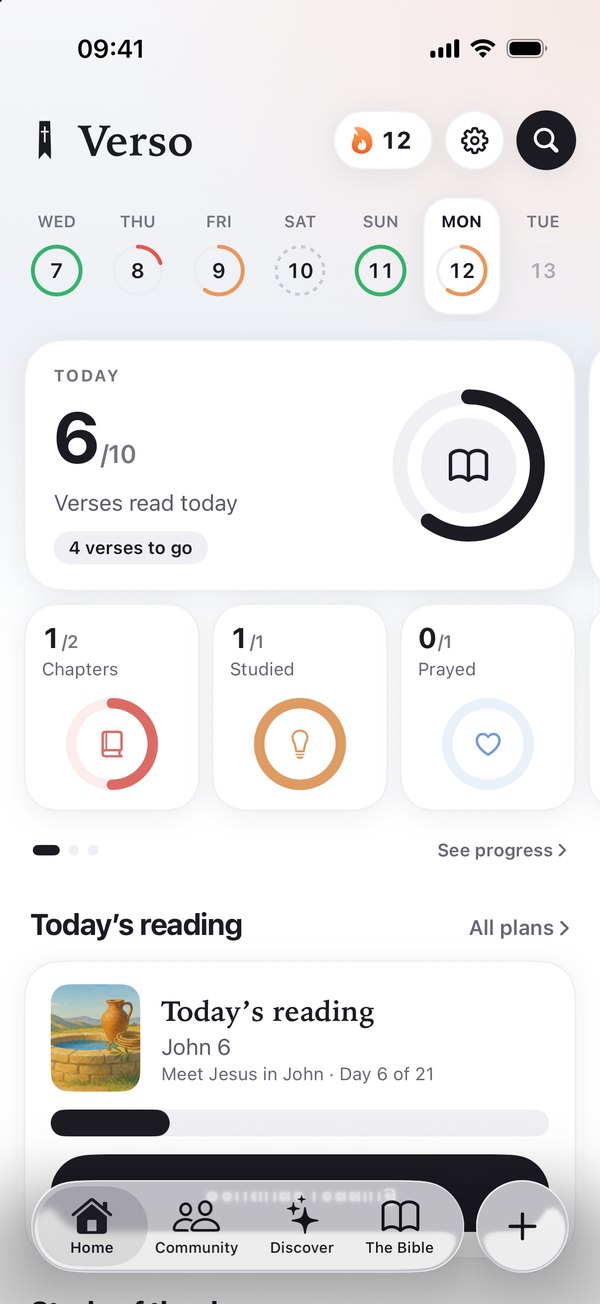
The Gospels in 30 days, a Psalm a day, the Bible in the order it happened — or build your own from any book around the minutes you actually have.

Scripture, verse by verse.
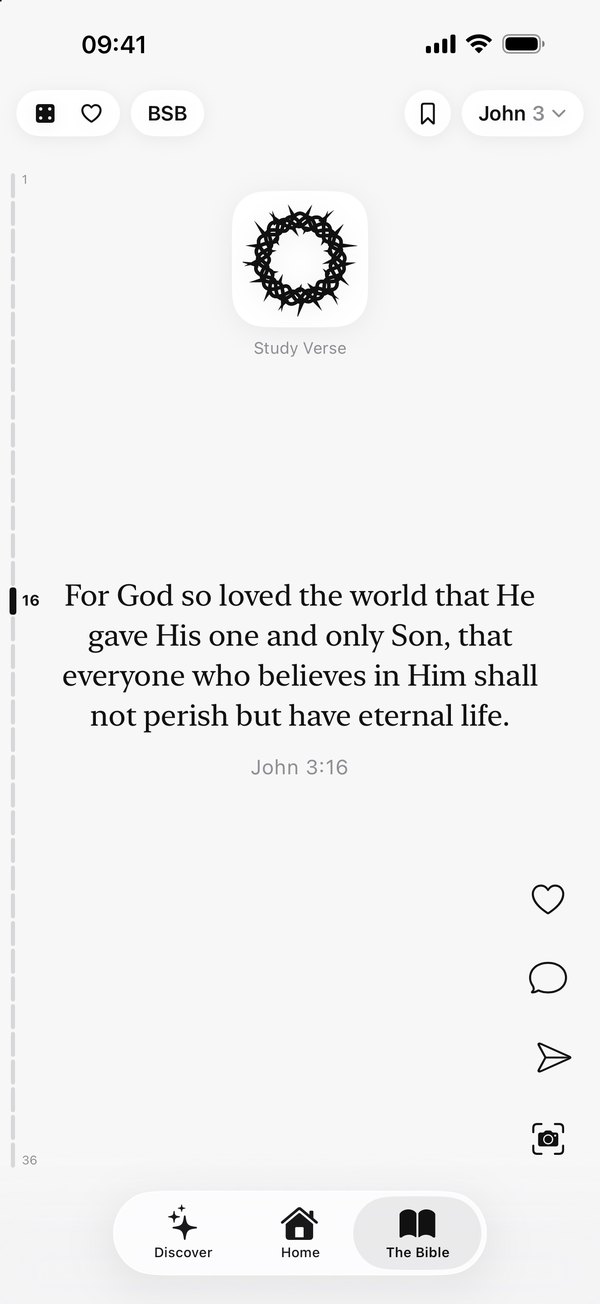
Verso turns the habit you already have — scrolling — into reading Scripture. One verse per swipe, in order, from anywhere in the Bible. Stop on a verse and it will explain itself.
 On a computer? Point your iPhone's camera here to get Verso.
Trade a few minutes of scrolling for Scripture. Five minutes on a bus counts.
No wall of text and no plan you're already behind on. Verso opens on a single verse, and keeps your place without you thinking about it.
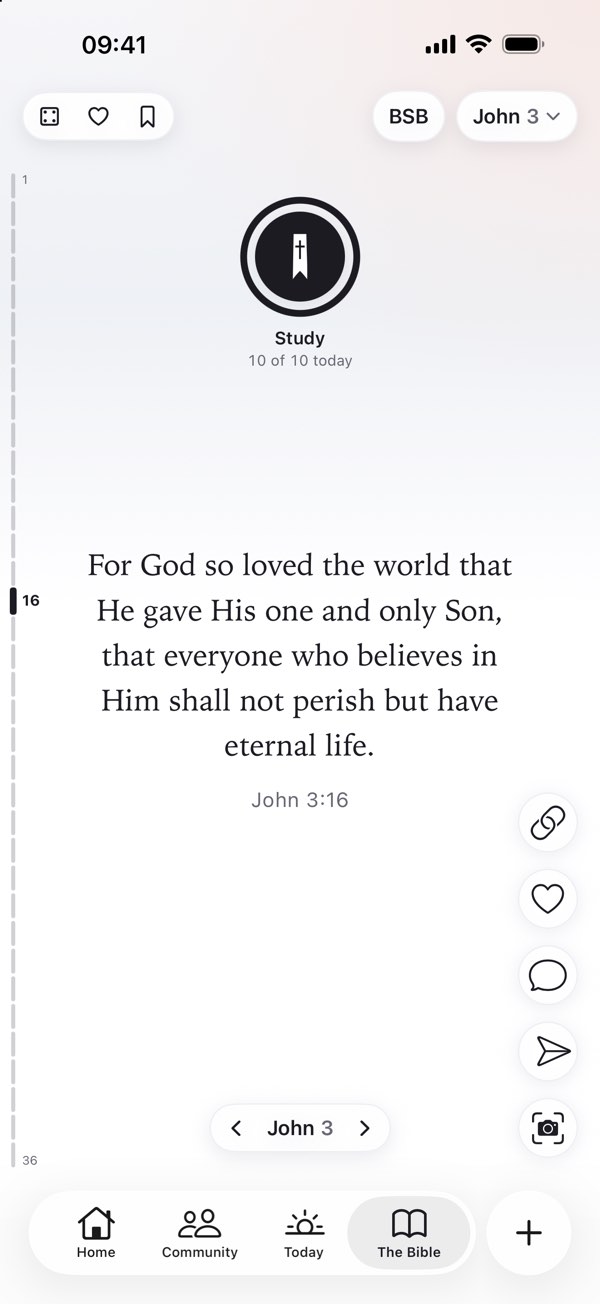
The whole Bible, in order, with no chapter walls. Save a verse with a double tap, write a private note, or turn it into an image worth sending to someone.
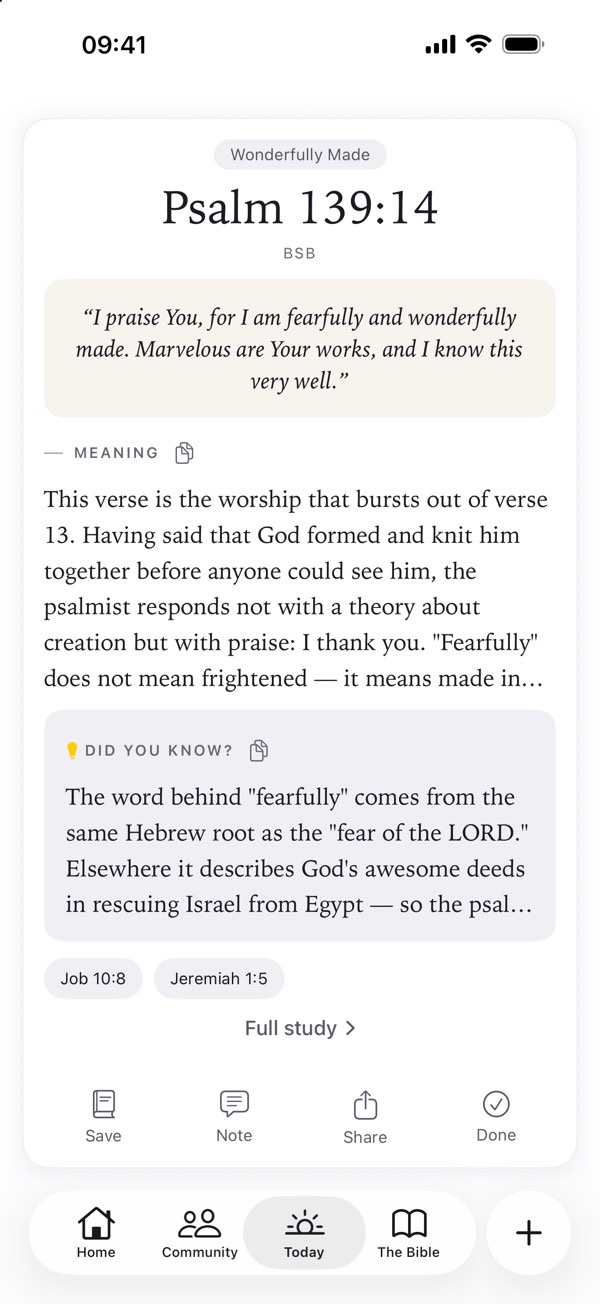
Plain-language meaning, the history around it, what the Hebrew or Greek actually said, and where to read next. AI-assisted, checked automatically, always anchored to the verse. Part of Verso Plus.
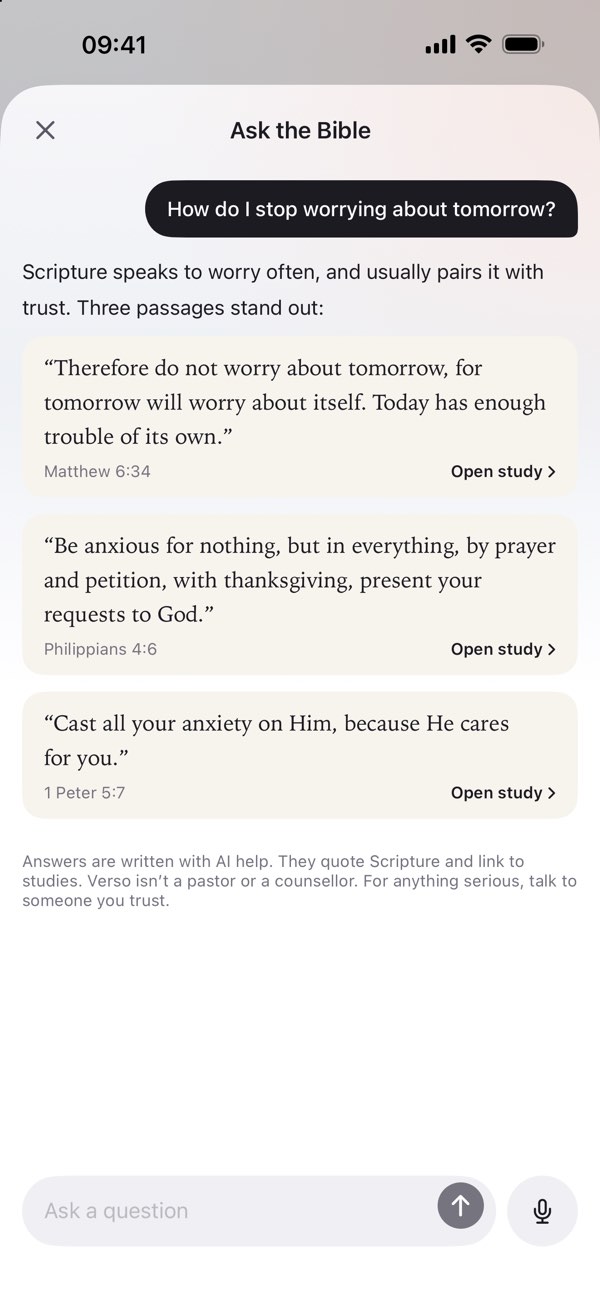
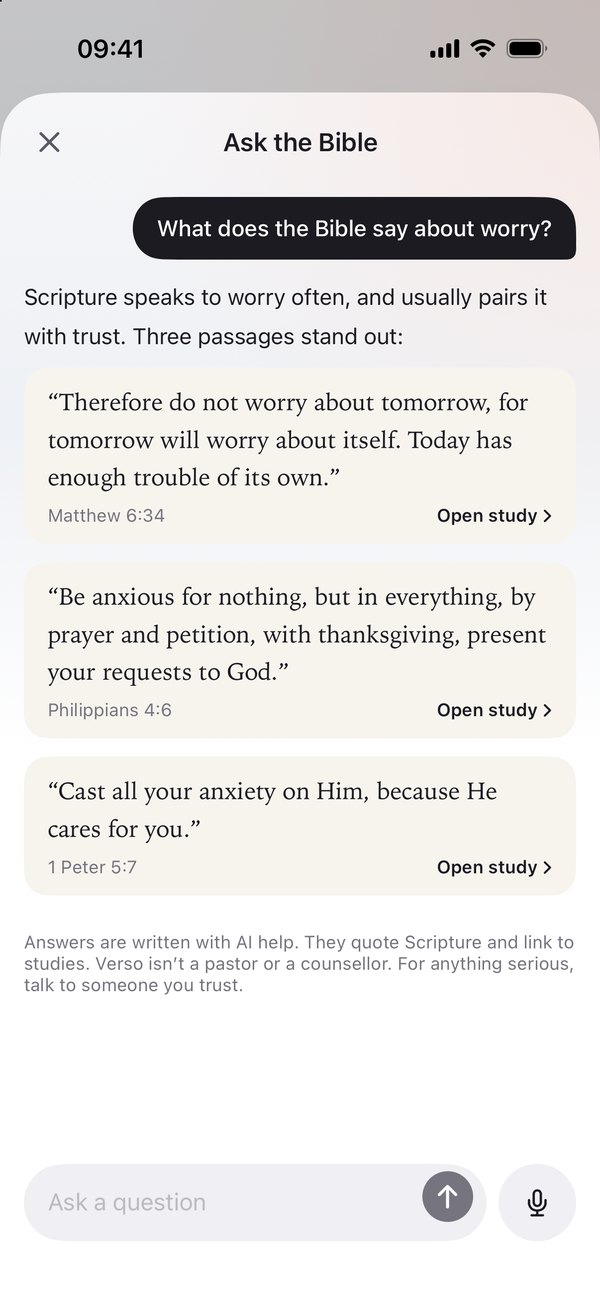
Ask a question in your own words, like "What does the Bible say about worry?", and get the verses that speak to it, each a tap from its study. Written with AI help, always quoting Scripture. Part of Verso Plus.
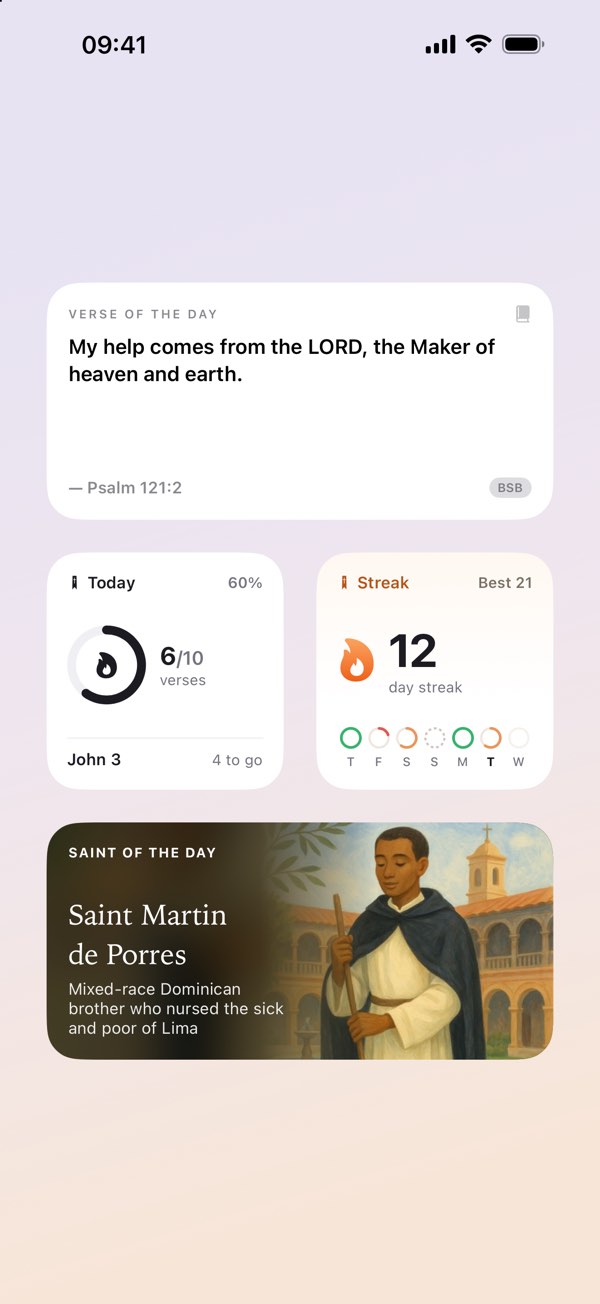
On iPhone, a verse on your Home Screen and Lock Screen and one reminder a day at the time you choose. On any device, a Bible that keeps working in airplane mode.
A daily goal you can keep, a prayer for every day and people to read with. On iPhone; what's part of Verso Plus says so.
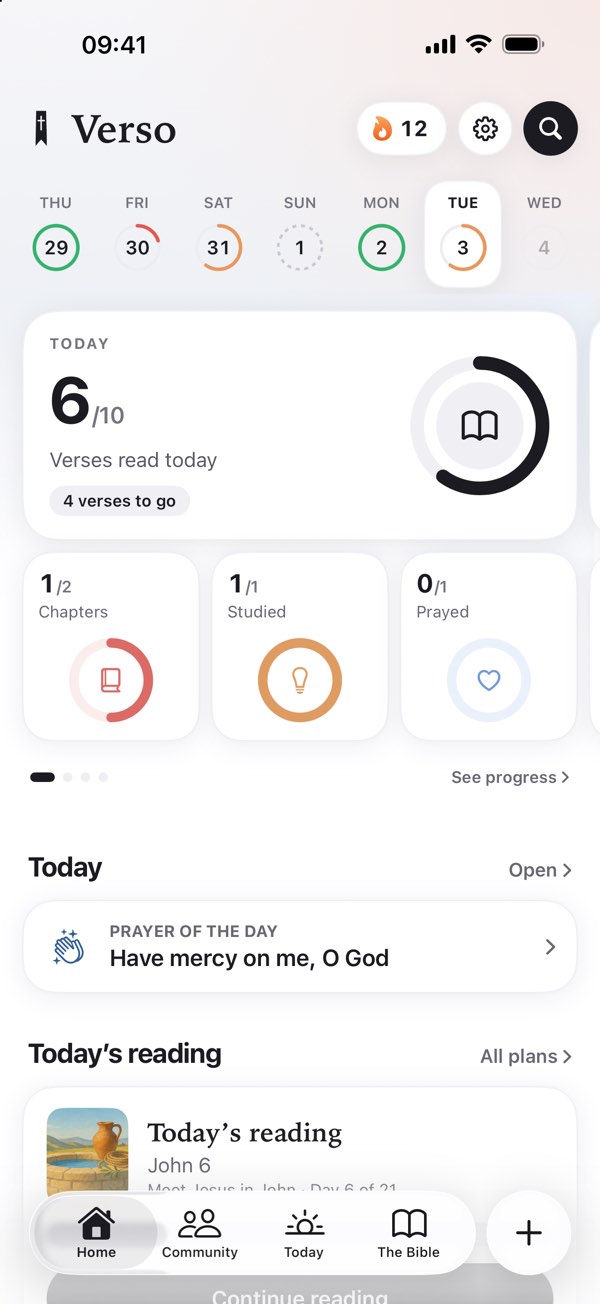
Choose how many verses a day; five is a fine start. A ring fills as you read, the week shows how each day went, and your streak counts the days you open Verso. Milestones celebrate the days you come back, the books you finish and the days you pray.
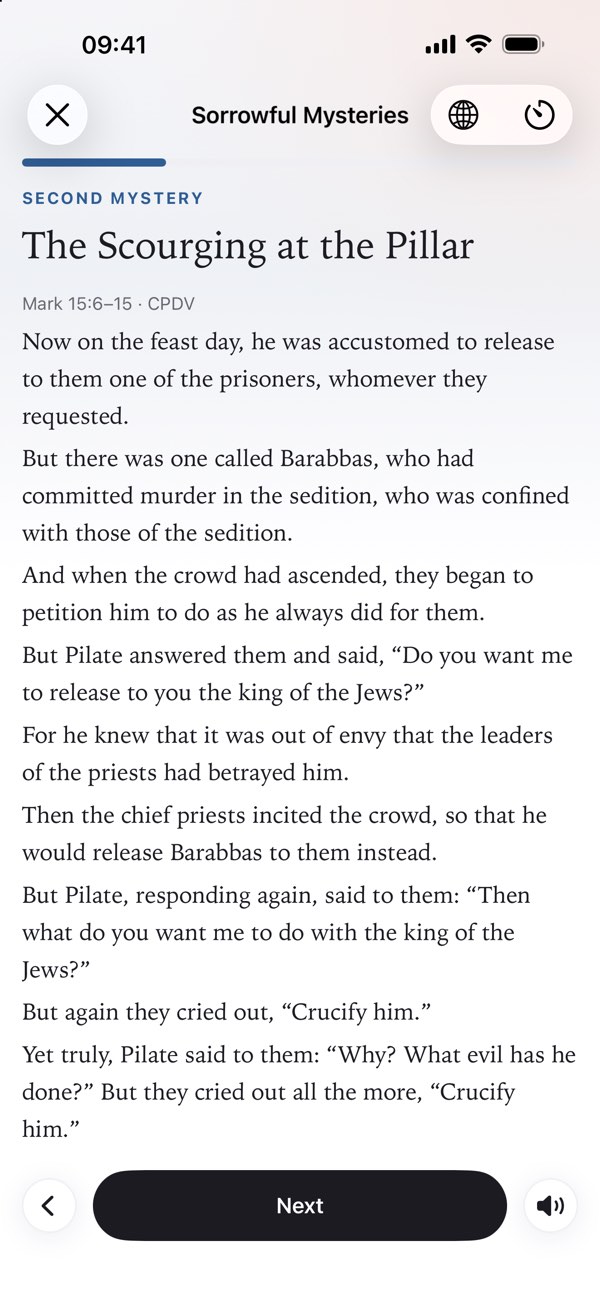
A prayer book of classic Christian prayers in English, Spanish and Latin, with favorites and reminders. Guided prayers read aloud, like the Stations of the Cross, and a few minutes of silence when you finish.
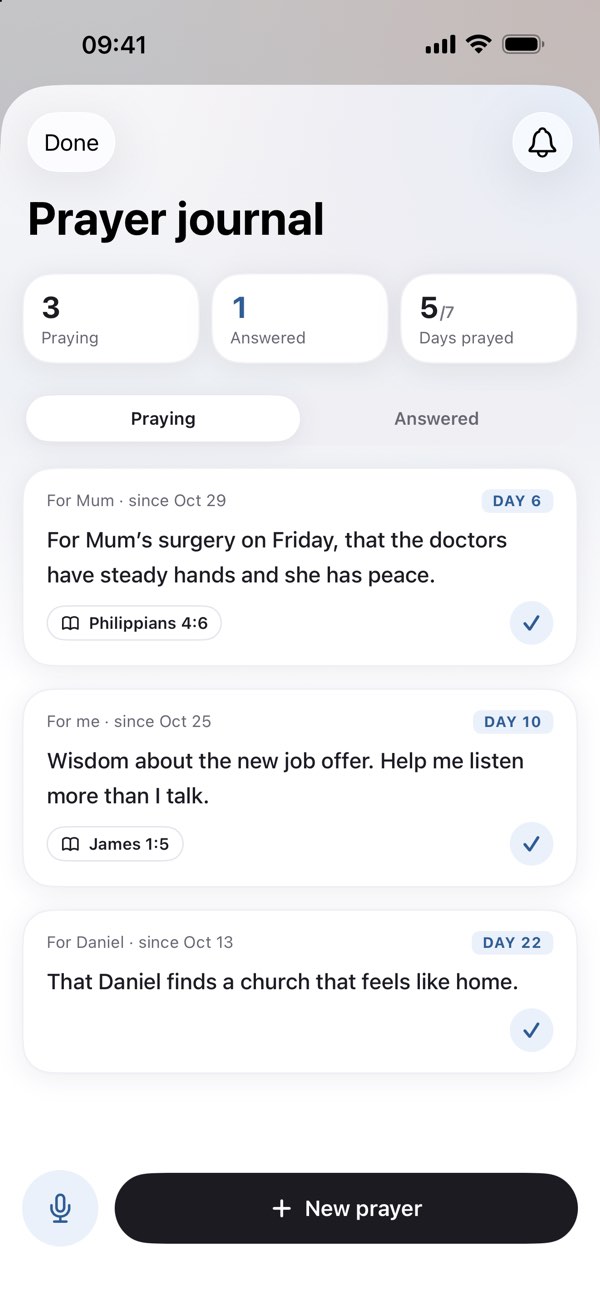
Write a prayer or say it out loud, set a reminder to pray it, and when it's answered, write down how. Yours alone.
The Gospels in 30 days, a Psalm a day, the Bible in the order it happened — or build your own from any book around the minutes you actually have.
Join groups to read and pray together, or start one for your church, with a profile photo if you like. On iPhone and the web, for ages 13 and up.
Every day opens on a prayer for the day, today's verse and short studies, and a Christian of the past to remember, with a painting and their story.
Choose your tradition: Catholic, another Christian tradition, or everything, and Verso shows what fits. For those who want them: the Rosary with the Gospel for each mystery, novenas, the Angelus and the saint of the day.
The Catholic Public Domain Version in English and the Biblia Libre in Spanish, with Tobit, Judith, Wisdom, Sirach, Baruch and Maccabees. Offline, with a study for every verse in Verso Plus.
Point the camera at a page or a slide: Verso finds the verse and opens its study. Part of Verso Plus.
A new design, Verse of the Day and Saint of the Day widgets, cross references for most verses, and arrows to move between chapters.
Levels of questions through the Bible's stories, a daily challenge and a weekly league, and every answer with its verse. On iPhone. How the game works.
What's in Verso:
A study for every verse, of every kind, all reading plans plus your own, every study card (on Today on iPhone, in Discover on the web), every verse-image style and, on iPhone, Ask the Bible and Scan a verse.
Everything in Verso Plus, month to month.
Prices in US dollars; they vary by region. Subscribe in the iPhone app or on the web, and cancel any time where you subscribed. Pricing details · Refunds & cancellation.
No app needed: today's verse and saints, the prayers and the rosary, and plain answers about the Bible.
A study for every verse, all reading plans, Ask the Bible and Scan a verse, on top of the whole Bible in every translation with no ads, saved verses, notes, the daily goal, the prayer book, the prayer journal, the widgets and the beginner reading plans. It's $59.99 a year, starting with a 7-day trial, or $9.99 a month; see Pricing.
Seven, all in the public domain: the Berean Standard Bible, the King James Version, the World English Bible and the Catholic Public Domain Version in English, and the Reina-Valera 1909, the Biblia Libre Latinoamericana and the Biblia Libre para el Mundo in Spanish.
Yes. The Catholic Public Domain Version in English and the Biblia Libre in Spanish have all 73 books, with Tobit, Judith, Wisdom, Sirach, Baruch and Maccabees. Verso also has the saint of the day, the rosary and a prayer book with the Latin of the classic prayers.
Yes. The Bible is stored on your phone, so reading works in airplane mode or with no signal. New studies, Ask the Bible and groups need a connection; studies you've opened before stay available offline.
Not yet. On an Android phone, or on any computer, open Verso on the web at app.versobible.com: the same Bible, and your saved verses, notes and bookmarks sync with the iPhone app.
With AI help, always anchored to the verse you're on and checked automatically before you see them. If a study ever reads wrong, write to hello@versobible.com: a person reads every message.
On the App Store for iPhone, and on the web for any phone or computer. If a study ever reads wrong, tell us: a person reads every message.